
It’s one thing to organize a business. Able to look after it is another work entirely on its own.
Basically, in Nigeria, cyberwarnings are real.
But don’t be afraid; everything has its way of getting solved.
I’ve got some nice hints and tips for you.
1. Fix your Website with SSL.

Am giving you this tip for free: SSL is not just a free luxury.
It’s vital. SSL (Secure Sockets Layer) ciphers the data between your website and users.
With this act, fraudsters and hackers won’t be able to steal sensitive data.
An SSL certificate also improves your integrity in society.
You are using our Hostlinko site, which provides free SSL certificates with our personal hosting plans, right? There’s no need to look around; we are here for you.
2. Solid Passwords and Multi-Factor Authentication (MFA).
Poor security codes or signals are like open doors. People are free to enter and move out.
Let your assurance be clear that each of your accounts has a strong, distinctive password.
This is not the end either. Make use of multi-factor authentication, if possible. MFA builds up an extra security strength, which makes it difficult for hackers to penetrate into it.
It is a narrow decision that makes a big difference.
3. Consistent Software Updates.
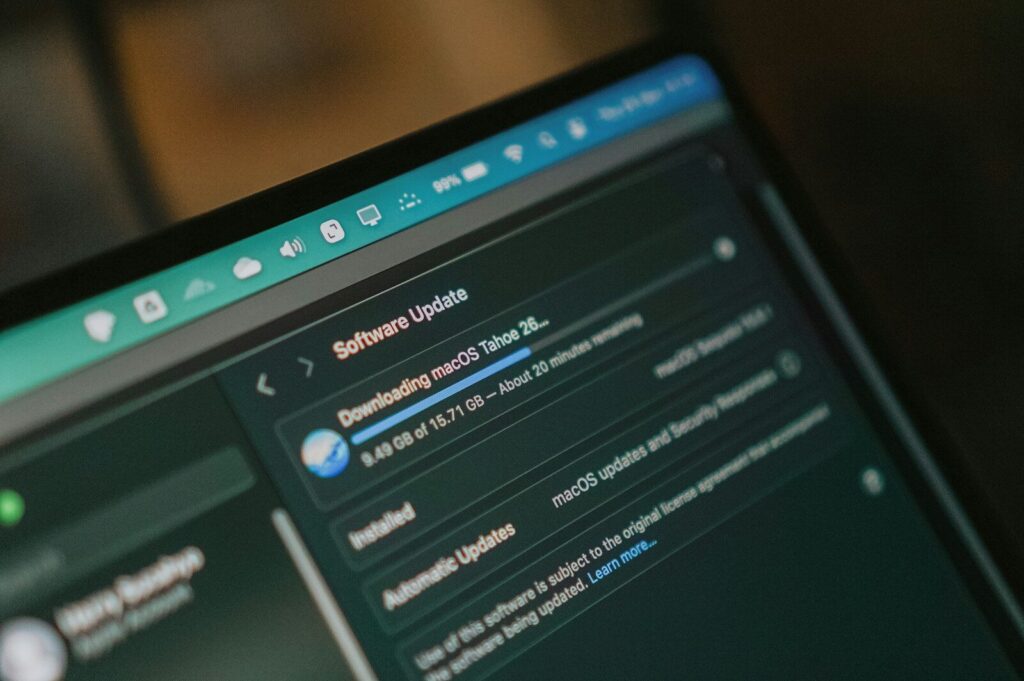
Outmoded software is an amusement park for hackers and scammers; they love to toy with it.
Whether it’s your business website CMS, hosting server, or plugins and content handling, make sure that everything is intact; always remember to keep it updated.
Always update your website regularly. Which includes security patches that help to fix exposure.
With the help of Hostlinko, we grant automatic updates, you’re always secured.
4. Data Backup.
Your business can be damaged due to data loss.
Frequently, backups of data are advisable and are mainly important because of your safety.
Even if something is messed up, you can easily restore your lost data.
With every hosting plan offer in Hostlinko, auto-daily backups are added to all customers.
You’ll never regret it; we are fully available for you. Say no to the loss of important data, I promise.
5. Let make use of Security Plugins and Firewalls.
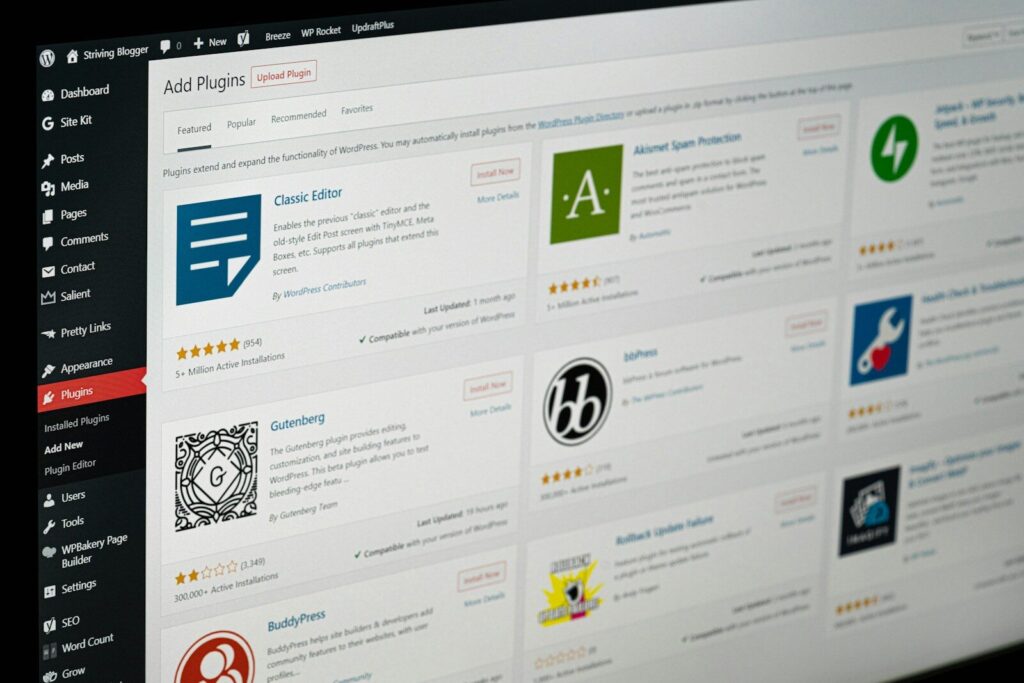
Take for example a firewall as your initial line of defense. It helps to keep track of traffic and filters it, putting an end to doubtful activity.
Kindly insert security plugins on your website as well for effective results.
These plugins will help you to detect and wipe out threats. Let’s make use of Hostlinko as an example.
We make use of Imunify360 security, which provides extensive insurance against cyber attacks.
6. Enlighten your Employees.
The first line of question in your business is your employees.
Always make sure they know the fundamentals of Internet security.
Train them how to be able to identify phishing tricks, keep distance from suspicious downloads, and protect their mechanisms.
To prevent security violations, daily training sessions must be carried out.
7. Observe Your Website Regularly.
Pay attention to your security and cyber presentation.
Frequently observing can help you identify problems before they get out of hand.
Here in Hostlinko, we provide standard (24/7) monitoring services and assistance for you to centralize on your daily business while we take absolute care of the rest.
8. Invest in Security Audits.

The best step to take in this case is to bring in a professional who knows what he/she is doing.
Safety checkers are able to detect sensitivity that you might ignore.
They are good at providing a faultless assessment of the posture of your business in terms of internet security. It’s an investment worth gaining.
9. Make Use of Secure Payment Gateways.
If we are talking about secure payment systems, SPS is any type of payment structure that effectively secures your business from uncertified access by fraudsters or scammers, especially in the e-commerce surroundings.
They carry out their plan through the interplay of different clue units, including encryption, expression, multi-factor authentication, and scam protecting equipment.
Make sure you are using a well-secured payment portal if you are planning on collecting bill payments online.
Never endanger your customer’s financial details online, either by encrypting transactions or protecting payment portals to shield you and your customer from fraud and scams.
In industry today, customers want the mobility to pay in a way that is convenient for them.
In order to meet customer requests, it is necessary for businesses to render different payment methods.
Although making payments online comes with essential risk.
That’s why it’s important for your business to follow the best technique when it comes to receiving online payments, helping you ignore security.
Customer might face problems with the payment methods provided by the company, which will make it uneasy for customer to make easy payment online.
10. Secure your Domain.
What makes you special and stand out online is your domain. Confirm that your domain is locked and save.
In order to protect your private data from leaking out to the public, authorize domain privacy for a best seller.
Hostlinko is here to assist you; we provide the best domain privacy settings.
11. The use of VPN.
When you are working with customer information, and financial details, especially, you need to be extra-careful on public networks.
Transferring of data over public networks is attackable.
In these circumstances, a virtual private network (VPN) service is highly needed.
It provides you with an encrypted bond to protect off-site servers, which turns aside a third party from acquiring both you and the server.
If the cost of traditional VPN service is the major thing that bothers you, then why don’t you give SSL-based VPN a trial? It is easier to afford.
OpenVPN is a famous choice because it’s provides a community-based, open-source version that can be used for free.
Let your customer understand that you cherish their privacy.
Come straight to them so they can know how your company will protect their information, including the specific safeguard you take to secure them and enlighten them on how to protect their data and keep it safe.
This will boost customer trust in your business, and they will have faith in your organization, which will build an everlasting relationship with them.
12. Be Cautious of open WiFi Networks you will use.

People who make use of public WiFi networks or hotspots, especially in a cafeteria, might find it suitable and helpful for them, and it will assist them to save on data costs.
But candid, they are usually not secure. Why it is necessary.
Anyone can log into an insecure network, and they can easily access your personal information.
When you carry out a private transaction in public, it can also get you in trouble.
While trying to make the transaction, someone might rest on your shoulder or watch from behind to try to see the login details for your online account. Solution to it.
Checking for news or climate change on a public WiFi is better, but do not try important transactions while using it.
Reduce your internet shopping or online transactions on free WiFi to avoid danger.
13. Be Creative with Account Recovery Questions.
While trying to set up an account online, some questions are usually asked ‘account recovery question’.
These are questions used to recognize you, whether you forget your password and you need to create another one.
They are mostly based on simple things that will be easier for us to remember, such as your mother’s maiden name, favorite pet, best hobbies, and your school name.
Why it matters?
Unluckily, your account can be easily struck through this without your consent by hackers because they are easy questions and they can easily access it and find the answer.
Be innovative when creating answers to account recovery questions.
When creating answers for account recovery questions, don’t give a sincere answer.
For instance, if you want to answer a question based on school, replying with ‘Hogwarts’ is an alternative answer to the question.
Any preferred answer can be chosen in as much as you can remember it.
14. Go through the Account that asks for your Information.

If you receive a message and you are asked to provide information about your account, kindly confirm where the message comes from before you give out your account details.
For example, banks do not make calls to their customers, and a bank will never email you with direct links to online banking and ask you to login.
Why it is necessary Bank is commonly used by fraudsters.
Many banks are created by scammers and fraudsters because they know people will be willing to do business with them, so they take advantage of these business plans and scam people who are eager to seek help from them by asking for their personal details or financial details.
Giving out your personal information online is risky unless you know the source and why they need it.
Conclusion.
Lastly, business owners should take note that protecting your online business in Nigeria is not something you should handle delicately.
If you put this action into submission, you will surely have no issue securing your business.
Do not hesitate to contact Hostlinko; we are right beside you to render our service and help to you given you free SSL certificates and fast security quality.
We always have your back at all times.